- XMLHttpRequest 예제
[  ] :  배열
{  } : 객체
📌 test2.json
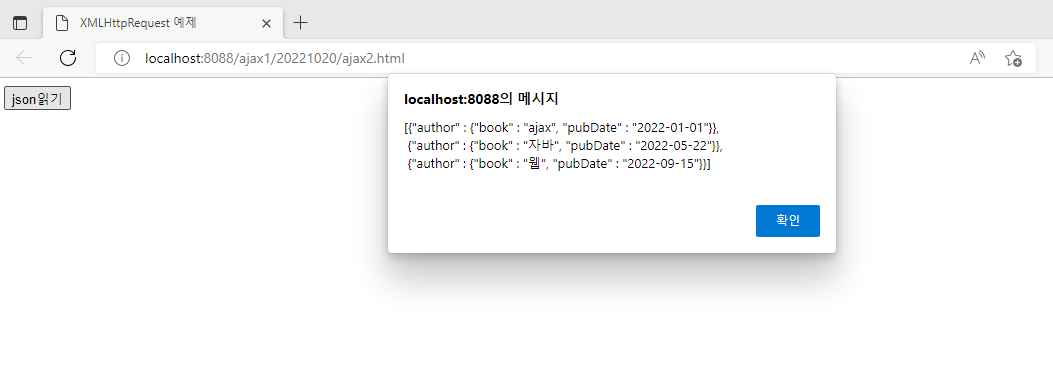
[{"author" : {"book" : "ajax", "pubDate" : "2022-01-01"}},
 {"author" : {"book" : "자바", "pubDate" : "2022-05-22"}},
 {"author" : {"book" : "웹", "pubDate" : "2022-09-15"}}]
📌 ajax2.html
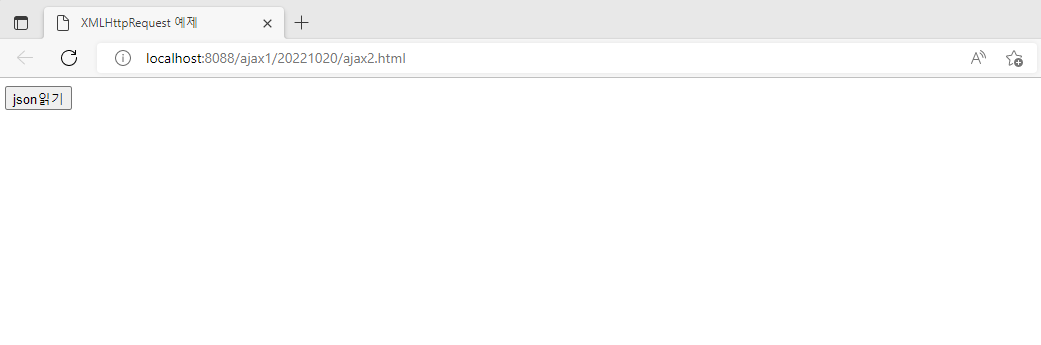
<!DOCTYPE html>
<!-- /ajax1/src/main/webapp/20221020/ajax2.html -->
<html>
<head>
<meta charset="UTF-8">
<title>XMLHttpRequest 예제</title>
<script type="text/javascript">
   function load(url) {
	   const xhttp = new XMLHttpRequest()
	   xhttp.open("GET",url)
	   xhttp.send()
	   xhttp.onreadystatechange = callBack
   }
   function callBack() {
	  if(this.readyState == 4 && this.status == 200) {
		  alert(this.responseText)
		  let area = document.querySelector("#area")
		  //this.responseText : 문자열 데이터
		  //JSON.parse : JSON 객체로 변환
		  //data : 배열 {author : {}} 형태
		  let data = JSON.parse(this.responseText)
		  //s : {"author" : {"book" : "ajax", "pubDate" : "2022-01-01"}
		  for (s of data) {
			  //s.author.book : ajax
			  //s.author.pubDate : 2022-01-01
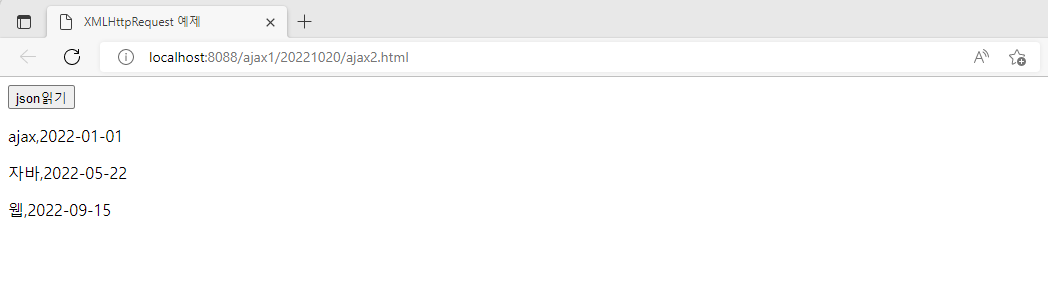
			  area.innerHTML += '<p>' + s.author.book
			  + "," + s.author.pubDate + "</p>"
		  }
	  }
   }
</script>
</head>
<body>
<input type="button" value="json읽기" onclick="load('test2.json')">
<div id="area"></div>
</body>
</html>
📌 fetch2.html
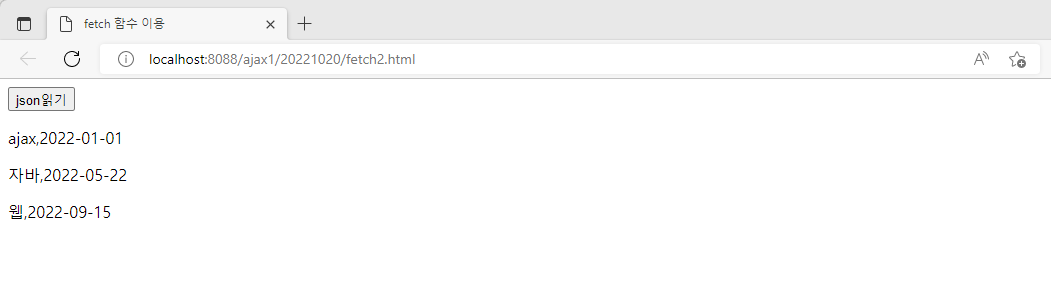
<!DOCTYPE html>
<!-- /ajax1/src/main/webapp/20221020/fetch2.html -->
<html>
<head>
<meta charset="UTF-8">
<title>fetch 함수 이용</title>
<script>
    function load(url) {
    	fetch(url)
    	.then((r) => r.json())
    	.then((data) => {
    		let area = document.querySelector("#area")
    		for(s of data) {
    			area.innerHTML += '<p>' + s.author.book
    			+ "," + s.author.pubDate + '</p>'
    		}
    	})
    }
</script>
</head>
<body>
<input type="button" value="json읽기" onclick="load('test2.json')">
<div id="area"></div>
</body>
</html>
- ajax.js - javascript file 만들기
📌 ajax.js
/*
 *  /ajax1/src/main/webapp/js/ajax.js
 */
 function ajax(url,params,callback,method) {
	const xhttp = new XMLHttpRequest()
	method = method.toUpperCase() //대문자로 변환
	if(method != 'POST') {
		method = 'GET'
	}
	if(method == 'GET') { //요청 url + 파라미터 정보
		url = url + "?" + params
	}
	xhttp.open(method,url,true) //true : 비동기 방식을 사용
	//POST 방식인 경우 반드시 설정해야함. GET 방식은 상관없음
	xhttp.setRequestHeader('Cntent-Type','application/x-www-form-urlencoded;charset=UTF-8')
	xhttp.send(method == 'POST'? params : null)
	xhttp.onreadystatechange = callback //콜백함수 등록
}
'수업(국비지원) > Ajax' 카테고리의 다른 글
| [AJAX] ajax - jquery 이용한 시,군,구 선택 (0) | 2023.04.21 |
|---|---|
| [AJAX] jquery를 이용한 ajax 연습 (0) | 2023.04.21 |
| [AJAX] FETCH 함수 - ajax.js 이용, jquery ajax 파라미터 전송 (0) | 2023.04.21 |
| [AJAX] FETCH 함수, FETCH 함수 - get 방식, post 방식 (0) | 2023.04.21 |
| [AJAX] XMLHttpRequest 객체 (0) | 2023.04.21 |


